Plek.je now works with Claude and ChatGPT: one MCP connector for all your blogs
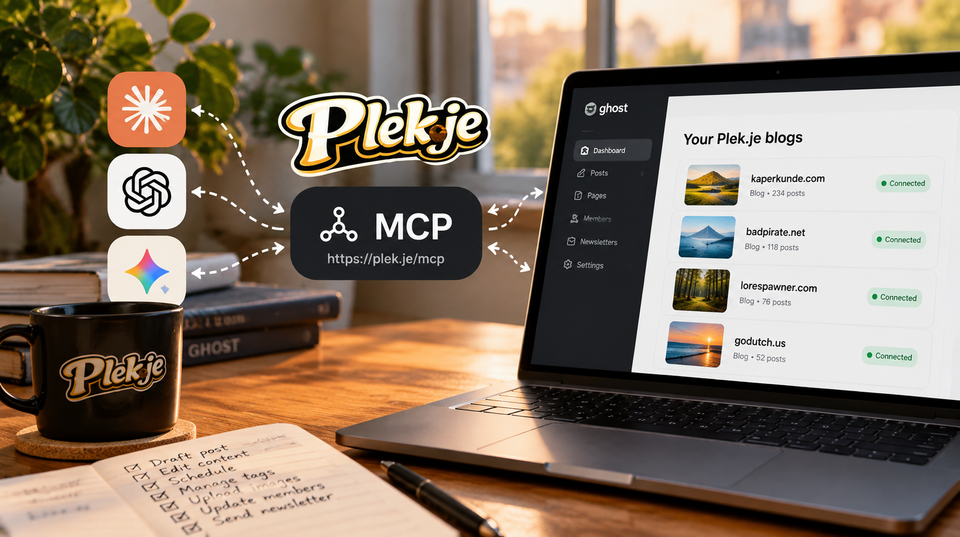
Starting today, every Plek.je account has a built-in MCP connector. Add one address to Claude, ChatGPT or any other assistant that supports the Model Context Protocol. It can then draft, publish and manage every Ghost blog you host with us, not just one.
It's included free for existing and new customers, on every plan. There's nothing to install and no add-on to buy.
One endpoint, every blog
The address is the same for everyone:
https://plek.je/mcpYou connect once and sign in with your Plek.je account. The assistant then sees all of your plekjes. Ask "list my plekjes" and it knows which blogs you have. Ask it to draft a post on one of them and it writes there. You don't need a separate connection or API key for each site.
What you can ask it to do
- Draft, edit, schedule and publish posts and pages
- Create and tidy up tags
- Look up, add and update members
- Upload images and set feature images
- Change site settings, navigation and SEO metadata
- Reach the rest of Ghost's Admin API, such as snippets, newsletters, tiers and offers, through a set of carefully limited tools
New posts are saved as drafts unless you say otherwise. A newsletter only goes out when you explicitly ask for one.
Set up in two minutes
- In Claude, open Customize → Connectors and add a custom connector with the address above. This works on every Claude plan, including Free.
- Click Connect and sign in to Plek.je.
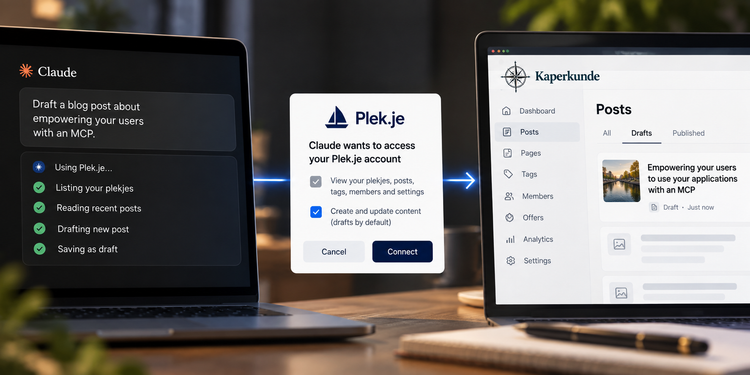
- Choose what the assistant may do. If you only want it to read, untick "Write and publish posts, and change pages, tags, members and settings".
- Start a chat and ask.
The full guide at plek.je/ai covers Claude Desktop (including a one-click extension), Claude Code, ChatGPT and other apps.
You stay in control
You sign in with OAuth, so you never copy an API key anywhere. In your Ghost admin, changes show up under a separate "Plek.je assistant" staff user. To disconnect an app from all your blogs, use Account → Connected apps. To remove access to a single blog, use that blog's Advanced settings. Either takes effect immediately.
How we built it
If you build software and want to offer your own users the same thing, I wrote up the design decisions in Empowering your users to use your applications with an MCP. That post was drafted through this connector, in the same session as the code, and it shows the exact prompt I used. This announcement was drafted the same way.
Not on Plek.je yet? See features and pricing. Managed Ghost 6 hosting in the EU or US starts at €10 a month, with the connector included.



Member discussion